
Updated: October 2026
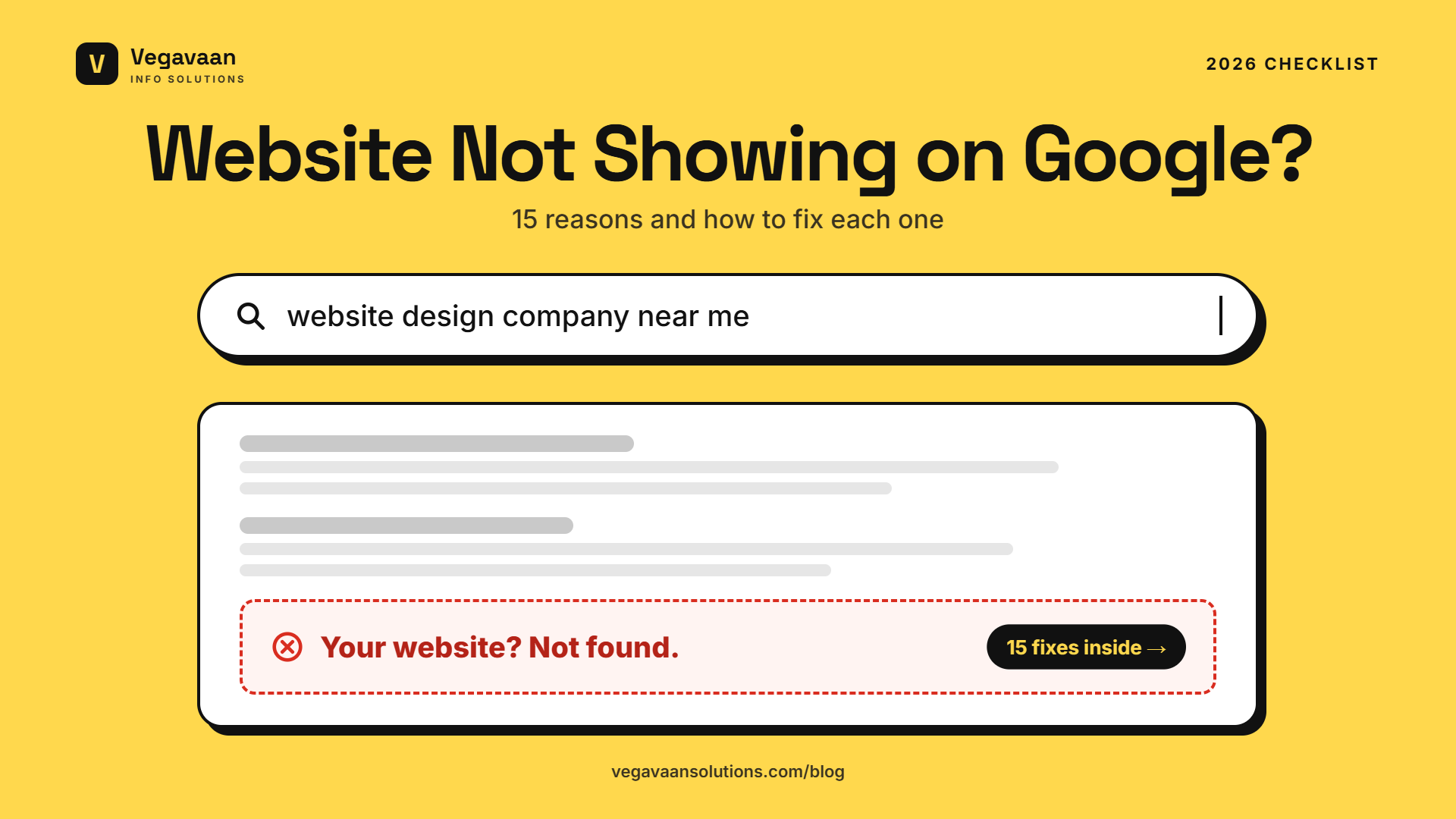
You spent money on a new website. You type your business name into Google and... nothing. Or your site appears for your name but never for the services you sell. This is one of the most common questions Indian business owners ask after launching a website: "Why is my website not showing on Google?"
The good news: in most cases the cause is simple and fixable, often in under an hour. This guide gives you a 2-minute test, the 15 most common reasons a website does not appear on Google, how to fix each one, and how long it takes to start showing up.
Contents
- Quick answer
- The 2-minute test: is your site indexed at all?
- 15 reasons your website is not showing on Google (and fixes)
- How to use Google Search Console to fix indexing
- How long does it take for a new website to show on Google?
- Indexed but not ranking? Do this next
- Showing up in AI search too
- Frequently asked questions
Quick answer
A website usually does not show on Google because Google has not found or indexed it yet, a "noindex" tag or robots.txt is blocking it, the site is new with no links pointing to it, or the content does not match what people search for. Start by searching site:yourdomain.com on Google. If nothing appears, add your site to Google Search Console, submit your sitemap, check for noindex tags and request indexing. If pages appear but do not rank, improve the content, page titles, speed and local signals.
The 2-minute test: is your site indexed at all?
- Open Google and search:
site:yourdomain.com(replace with your domain, without https or www). - No results: Google has not indexed your site. Go to reasons 1–8 below.
- Some pages appear: your site is indexed. Search for your exact business name. If you appear, your problem is ranking, not indexing. Go to reasons 9–15.
- Important pages are missing: check those specific pages in Google Search Console (see below).
15 reasons your website is not showing on Google (and fixes)
Indexing problems (Google cannot find or store your pages)
| # | Reason | How to fix it |
|---|---|---|
| 1 | The site is very new and Google has not discovered it | Add it to Google Search Console, submit a sitemap and request indexing for your home page |
| 2 | "Noindex" tag left on, often from when the site was being built | Check the page source for noindex. In WordPress, untick "Discourage search engines" under Settings → Reading |
| 3 | robots.txt is blocking Google | Open yourdomain.com/robots.txt. Remove Disallow: / if it blocks the whole site |
| 4 | No sitemap, or a broken one | Create an XML sitemap (most CMS platforms and SEO plugins do this) and submit it in Search Console |
| 5 | No links pointing to your site | Link to it from your Google Business Profile, social media pages, directories and partner websites |
| 6 | Wrong canonical tags or duplicate versions (http, https, www and non-www all live) | Redirect every version to one main URL with 301 redirects and set correct canonical tags |
| 7 | Pages hidden behind login, scripts or errors | Make sure important content loads as normal HTML and pages return a 200 status, not 404 or 500 errors |
| 8 | Manual action or security issue (hacked site, spam) | Check "Security & Manual Actions" in Search Console. Clean the site, fix the issue and request a review |
Ranking problems (Google has your pages but shows others first)
| # | Reason | How to fix it |
|---|---|---|
| 9 | Thin content: a few lines per page | Write helpful pages that answer real customer questions, with prices, process, FAQs and examples |
| 10 | Wrong keywords: you describe services the way you talk, not the way customers search | Use the words customers type, such as "website design company in Faridabad" rather than "digital presence solutions" |
| 11 | Weak page titles and meta descriptions | Give every page a unique title with the main keyword and location, under about 60 characters |
| 12 | Slow website, especially on mobile | Compress images, use good hosting, remove heavy plugins, and test with PageSpeed Insights |
| 13 | Not mobile-friendly | Use a responsive design. Most Indian searches happen on phones |
| 14 | No local signals for "near me" searches | Create and complete a Google Business Profile, and keep your name, address and phone the same everywhere. Read our ranking tips below |
| 15 | Strong competition and low authority | Target specific long-tail searches first, publish useful blogs regularly and earn genuine links and mentions |
How to use Google Search Console to fix indexing
Google Search Console is free and is the most important tool for any website owner.
- Add your website at search.google.com/search-console. Choose "Domain" and verify it by adding a DNS record at your domain provider, or choose "URL prefix" and verify with an HTML tag.
- Submit your sitemap under Indexing → Sitemaps (usually
yourdomain.com/sitemap.xml). - Inspect your important pages: paste a page URL in the search bar at the top (URL Inspection). It tells you whether the page is indexed and why not.
- Click "Request indexing" for new or updated important pages.
- Read the Pages report (Indexing → Pages) to see which pages are not indexed and the reason.
Common Search Console messages and what they mean:
| Message | Meaning | What to do |
|---|---|---|
| Discovered – currently not indexed | Google knows the page but has not crawled it yet | Add internal links to it, include it in your sitemap and be patient |
| Crawled – currently not indexed | Google read the page but chose not to index it | Improve content quality and uniqueness, then request indexing again |
| Excluded by "noindex" tag | The page tells Google not to index it | Remove the noindex tag if the page should appear |
| Blocked by robots.txt | Your robots.txt stops Google from crawling the page | Edit robots.txt |
| Duplicate without user-selected canonical | Google sees it as a copy of another page | Set canonical tags and make each page unique |
| Not found (404) | The page does not exist | Fix the link or redirect the old URL to the right page |
How long does it take for a new website to show on Google?
There is no fixed timeline. A new site added to Search Console with a sitemap often starts appearing for its own business name within a few days to a few weeks. Ranking for competitive service keywords usually takes several months of good content, local signals and links. Pages that are well linked, fast and useful get indexed faster.
Indexed but not ranking? Do this next
- One page per service and location, for example "Mobile app development in Faridabad", with real details and FAQs.
- Publish helpful blogs that answer questions your customers ask, such as costs, comparisons and checklists. See our guide to website development cost in India as an example.
- Link your pages together so Google understands what is important.
- Complete your Google Business Profile and keep it active with photos and updates.
- Get listed in trusted directories and industry associations, with consistent business details.
- Fix speed and mobile issues using PageSpeed Insights.
- Keep the site secure and updated: hacked sites lose rankings fast. Read our cybersecurity guide.
Showing up in AI search too
More people now ask ChatGPT, Gemini and Google's AI answers instead of clicking ten blue links. AI tools rely on pages that are indexed, clear and trustworthy, so fixing your Google indexing is also step one for AI visibility. Use clear headings, direct answers near the top, FAQs and up-to-date facts. Read our full guide to SEO in the age of AI search.
How Vegavaan can help
Vegavaan Info Solutions builds fast, SEO-ready websites and fixes existing ones: indexing problems, technical SEO, speed, mobile design, security and content structure. We set up Google Search Console and your sitemap, fix what is blocking Google and give you a clear plan to rank for the searches that bring customers.
👉 Get a free website visibility check. Send us your website address and we will tell you why it is not showing on Google.
Frequently asked questions
Why is my website not showing on Google?
The most common reasons are that the site is new and not yet indexed, a noindex tag or robots.txt is blocking Google, there is no sitemap, no other websites link to it, or the content does not match what people search for.
How do I check if Google has indexed my website?
Search site:yourdomain.com on Google, or use the URL Inspection tool in Google Search Console for a specific page.
How do I get my website on Google for free?
Add your website to Google Search Console, verify it, submit your sitemap and request indexing for your important pages. Creating a Google Business Profile and linking to your site from it also helps.
Why does my website show for its name but not for my services?
Your site is indexed but not ranking. Create a dedicated page for each service, use the words customers search for, add your location, improve speed and build trust through reviews, links and helpful content.
Does paying for Google Ads improve my SEO ranking?
No. Google Ads places paid ads above results but does not change your organic ranking.
How long does SEO take to show results?
Basic indexing can happen within days, but meaningful rankings for competitive keywords usually take a few months of consistent work.
Conclusion
If your website is not showing on Google, start with the 2-minute site: test. Most indexing problems, such as noindex tags, blocked robots.txt or a missing sitemap, can be fixed in an afternoon with Google Search Console. Ranking takes longer, but useful content, clear service pages, speed and local signals will get you there.
Want an expert to look? Talk to Vegavaan.