
Updated: October 2026
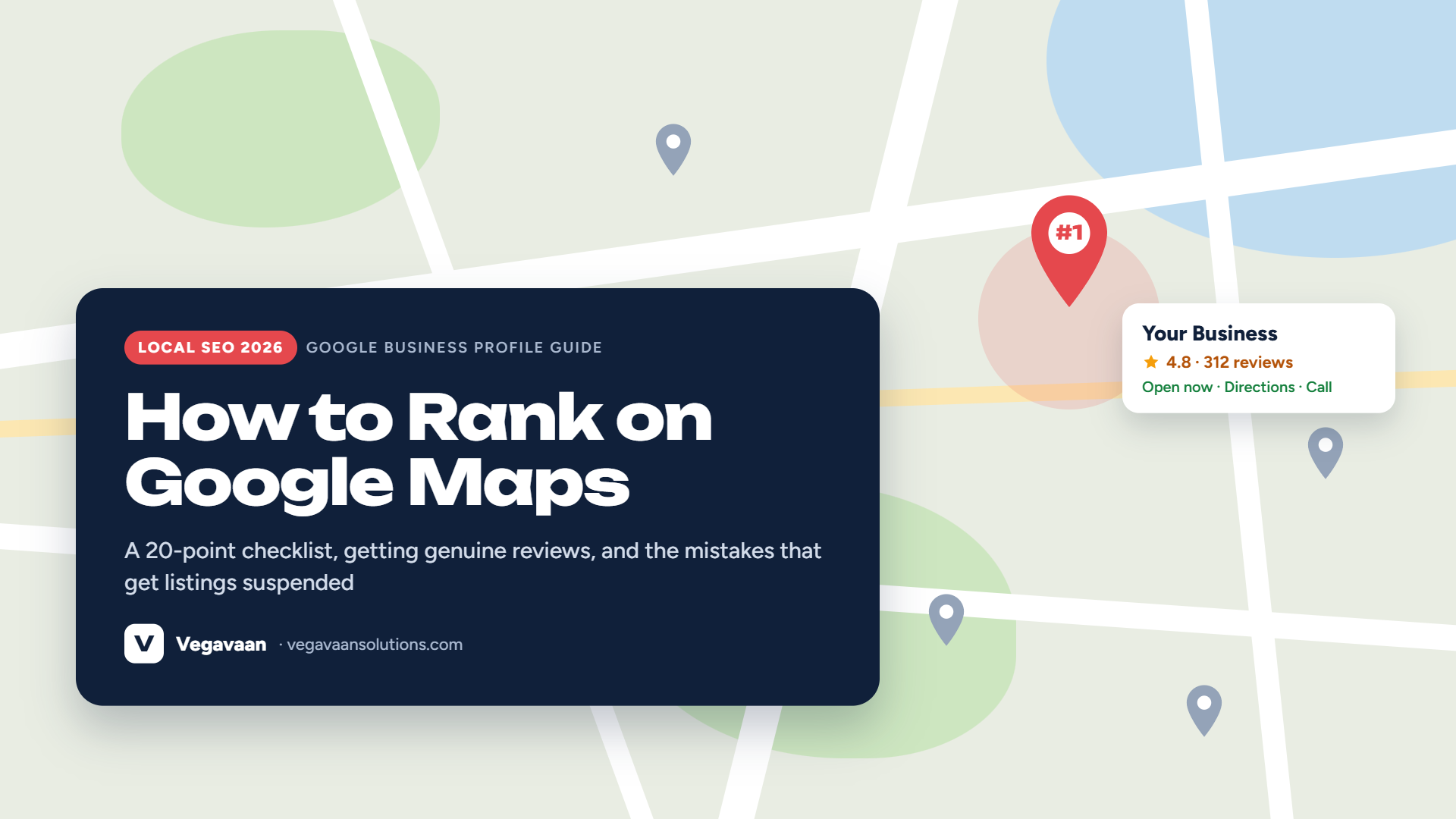
When someone near you searches "AC repair near me", "CA in Faridabad" or "best sweet shop open now", Google usually shows a map with three businesses at the top, before any website. That box, often called the Local Pack or Map Pack, gets a large share of the calls, direction requests and walk-ins for local searches.
Getting into it does not need a big budget. It needs a complete, active and trusted Google Business Profile. This guide shows Indian business owners how to rank on Google Maps in 2026, step by step, including the changes Google has made recently and the mistakes that can get your listing suspended.
Contents
- Quick answer
- How Google decides who ranks on Maps
- Set up and verify your Google Business Profile
- 20-point Google Business Profile checklist
- How to get more Google reviews (the right way)
- What changed recently on Google Business Profile
- Mistakes that can get your listing suspended
- Why your website still matters for Maps ranking
- Frequently asked questions
Quick answer
To rank on Google Maps, create and verify a Google Business Profile, choose the most accurate primary category, fill in every field (hours, services, products, description, photos), keep your business name, address and phone number the same everywhere online, collect genuine reviews regularly and reply to them, post updates, and link the profile to a fast website with a page for each service and location. Google ranks local results by relevance, distance and prominence.
How Google decides who ranks on Maps
Google explains that local results are based mainly on three things:
| Factor | What it means | What you can do |
|---|---|---|
| Relevance | How well your profile matches what the person searched for | Correct categories, services, products and a clear description |
| Distance | How far your business is from the searcher or the location in the search | Accurate address and map pin, and a correct service area if you visit customers |
| Prominence | How well known and trusted your business is | Reviews and ratings, photos, links and mentions online, and a strong website |
You cannot pay Google to rank higher in organic Maps results. Ads can appear above them, but they are labelled as sponsored.
Set up and verify your Google Business Profile
- Go to google.com/business and sign in with a business Google account (not a personal account an employee might leave with).
- Search for your business. If it already exists, claim it. If not, add it.
- Enter your exact business name as it appears on your signboard. Do not add keywords or city names that are not part of the real name.
- Choose your primary category carefully. It is one of the strongest relevance signals.
- Add your address and place the map pin exactly. If you serve customers at their location and do not have a shop, set a service area and hide your address.
- Add phone number and website.
- Verify the profile. Google may ask for a video recording showing your signboard, workplace and proof of business, or another method. Unverified profiles rarely rank well.
20-point Google Business Profile checklist
Basics
- ☐ Real business name, no keyword stuffing
- ☐ Most accurate primary category, plus relevant secondary categories
- ☐ Correct address and map pin, or a service area
- ☐ Local phone number that is answered
- ☐ Website link to the right page (a location page if you have several branches)
- ☐ Regular hours, plus special hours for festivals and holidays
Content
- ☐ Business description (up to 750 characters) explaining what you do, where and for whom
- ☐ Every service added, with a short description and price where possible
- ☐ Products added with photos, if you sell products
- ☐ Attributes such as payment options, accessibility and languages spoken
- ☐ Booking or appointment link, if relevant
Photos and activity
- ☐ Logo and cover photo
- ☐ Real photos of the outside (so people can find you), inside, team and work
- ☐ New photos added every month
- ☐ Posts every week or two: offers, events, updates, new products
- ☐ Answers to common questions included in your description, services and website
Trust
- ☐ Steady flow of genuine reviews
- ☐ Reply to every review, positive and negative, within a few days
- ☐ Same name, address and phone (NAP) on your website, Justdial, IndiaMART, social media and directories
- ☐ Two or more people with access, with the business owner as the primary owner
How to get more Google reviews (the right way)
- Ask at the right moment: right after a job well done or a happy purchase.
- Make it easy: share your review link (available in your profile under "Ask for reviews") by WhatsApp, SMS, on bills and as a QR code at the counter.
- Ask every customer, not only happy ones. Filtering who you ask (review gating) goes against Google's rules.
- Never pay or give discounts, gifts or freebies for reviews, and never post fake reviews or ask staff and family to review. Google can remove reviews and restrict or suspend profiles for fake engagement.
- Reply to every review politely, using natural words about the service. For negative reviews, apologise, explain and move the conversation offline.
- Be consistent: a few new reviews every month beats 50 in one week and then nothing.
Note for doctors and clinics: the NMC's new guidelines restrict soliciting patient reviews and testimonials for promotion. Read our guide on NMC advertising guidelines for doctors before asking patients for reviews.
What changed recently on Google Business Profile
- Q&A is being replaced by AI answers: in December 2025 Google said it was replacing the Questions & Answers section on Maps with an "Ask" button that gives AI-generated answers. Those answers come from your profile, website and reviews, so the more complete your information, the better the answers about your business.
- Chat was discontinued in July 2024, so customers contact you by call, website or WhatsApp. Make those links easy to find.
- Service areas can no longer be a whole country or state (since June 2025). Set realistic cities or areas.
- Stricter website link rules from September 2025: your linked website must work, be crawlable and relate to your business.
- AI search is growing: Google's AI answers and tools like ChatGPT also recommend local businesses. A complete profile, consistent details and a clear website help you appear there too. Read our guide to SEO in the age of AI search.
Mistakes that can get your listing suspended
- Adding keywords or locations to your business name ("Sharma AC Repair Best Service Faridabad")
- Using a virtual office, PO box or co-working address you do not actually operate from
- Creating several listings for the same business at the same address
- Buying reviews, offering rewards for reviews, or posting fake ones
- Changing name, category and address many times in a short period
- Letting an agency create the profile in their own account, so you do not own it
If your profile is suspended, fix the issue first, then file an appeal through Google's Business Profile help centre with proof of your business, such as photos of your signboard, GST certificate or utility bill.
Why your website still matters for Maps ranking
Your Google Business Profile and your website work together. A fast, mobile-friendly website with a page for each service and location, your NAP details, a map and FAQs gives Google more reasons to trust and show your business. If your website itself is not appearing on Google, read our guide on why your website is not showing on Google.
For a sense of costs, see our website development cost guide. You can also connect a WhatsApp AI chatbot so the customers Maps sends you get an instant reply.
How Vegavaan can help
Vegavaan Info Solutions helps local businesses get found: SEO-ready websites with service and location pages, Google Business Profile setup and clean-up, consistent listings, fast hosting and WhatsApp automation so no enquiry is missed.
👉 Get a free Google Maps visibility check for your business.
Frequently asked questions
How do I rank my business on Google Maps?
Verify your Google Business Profile, choose the right primary category, complete every field, add photos and posts regularly, collect and reply to genuine reviews, keep your name, address and phone the same everywhere, and link a fast website with service and location pages.
Is Google Business Profile free?
Yes. Creating and managing a Google Business Profile is free. Google Ads are optional and paid.
Why is my business not showing on Google Maps?
Common reasons include an unverified or suspended profile, the wrong category, an incorrect map pin, a service-area business with no address shown searching from far away, too few reviews, or strong nearby competitors.
How many reviews do I need to rank in the top 3?
There is no fixed number. It depends on your competitors. Aim for a steady flow of genuine reviews and reply to all of them.
Can I rank in a city where I do not have an office?
Distance matters, so it is hard to rank in the Map Pack far from your address. Service-area businesses can set nearby service areas, and a website page for each city can help you rank in normal search results.
How long does it take to rank on Google Maps?
A newly verified, complete profile can start appearing within weeks. Moving into the top 3 for competitive searches usually takes a few months of reviews, posts and website work.
Conclusion
For local businesses, the Google Maps top 3 is often worth more than any ad. Verify your profile, complete every field, earn genuine reviews, stay active and connect a strong website. Do these consistently and customers searching near you will find you first.
Want help? Talk to Vegavaan.